
Flattening PDF file combines all layers, annotations, form fields and interactive features into one, non-interactive, static layer of the document and makes it impossible to edit or interact with any part of it. This process transforms dynamically-generated content into an apparent image such as fillable forms or comments or multimedia; this ensures uniformity in the presentation across devices and programs.
Core Concept of PDF Flattening
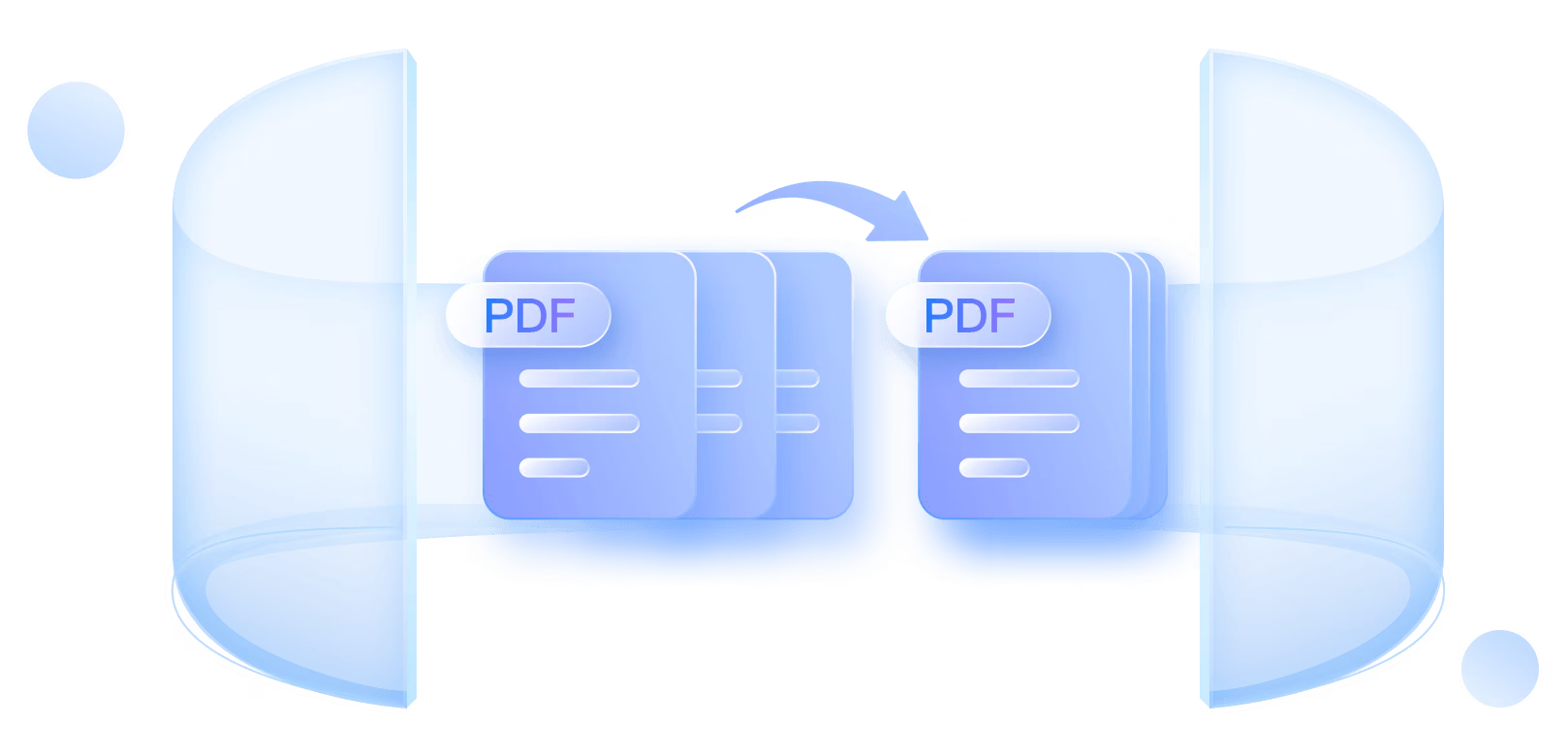
A PDF file can have several layers editable text, text, vector graphics and overlays like digital signatures, sticky notes etc. Flattening makes them into a single inseparable layer and makes them not editable, but they look similar. In any case, an example would be a contract that includes fields to fill, which after being flattened out was turned into a statical document, making it difficult to change accidentally or without permission. This is unlike compression whereby the interactivity is not compressed thus decreasing the file size.
Primary Reasons to Flatten PDFs
First in the list is security: The files are flattened and locked, which is good with legal records, contracts, or sensitive reports that need to be shared outside. It eliminates the possibility of any form of tampering or annotation. Printing advantages are enormous, multilayered elements may vary in position or stop being printed; flattened materials achieve the highest level of accuracy, particularly with graphics-intensive files such as brochures. The size of a file also gets smaller since interactivity done in layers bloats storage, and flattened PDFs are quicker to e-mail and open.
When Should You Flatten a PDF?
Flatten documents in the final stage: Before printing or sharing in an archival case, when documents are approved by clients. Do not use early – once flattened, the original file is needed to undo the flattening. Examples of such situations would involve filing tax returns, production of design illustrations, or publishing of e-books. Skip to continue collaborating which requires amendments.
How Flattening Works Technically
Applications such as Adobe Acrobat are able to analyze layers, rasterize vectors where required, and generate a single composite of a bitmap or a vector. Interactive hyperlinks can be turned off and transparency is flattened through predetermined resolutions (low on the web, high on print). Output: A smaller and compatible file that can be viewed by any reader without requirement of any form of plugs.
Tools and Methods to Flatten PDFs
Adobe Acrobat is superior: Open PDF > Print > Advance settings > flatten or porter tool is Preflight. Online services such as Smallpdf or ILove PDF accept big files and upload-and-flatten them with no delay, although there are watermark restrictions on the basic feature. Alternatives: PDFelement (Windows) can be used to batch processing; Wondershare PDFelement (Mac OS) can be used by exporting to PDF via Quartz Filters in Preview. Always save originals first.
Benefits Beyond Security
It is compatible – flattened PDFs can be used as uniform in mobiles, on old software, or any non-adobe viewer. Performance increases: Use stock exchange layouts This increases performance, with fewer crashes seen when loading stock exchange layouts that use many layers. Image-rich document storage is reduced by 50+. Printer-friendly: Removes errors of RIP printing in professional printers.
Potential Drawbacks and Best Practices
Once it is lost, it cannot be regained even with backups – think when you will need editability. Flattening bloats Huge files when not optimized. Test prints post-flattening. To advantages: transparency flattener (Medium Resolution balances size/quality). Multiples of batches through Acrobat Actions.
Real-World Applications
The mocks of clients are flattened by graphic designers. Lawyers secure affidavits. Mass print flyers are prepared by marketers. Remote work has become a boon, so in 2026, flattening secures hybrid work.
Bearing control of the PDF flattening decreases handling of professional documents. It converts edible drafts into finished, tamperproofed final which saves time and blueprints. When sharing very serious files, next flatten then, reliability is assured.